Meta Muse Download & Setup Guide: iOS, Android, Mac, Web, WhatsApp (2026)
How do you actually download Meta Muse? Short answer: it depends on your device. Muse now ships real installable apps for iOS, Android, and Mac, plus a browser-based muse.ai web app and a WhatsApp entry point — five access points total, five different install stories. This guide covers all of them, plus the region/age gate and the account setup most people trip over.
The five real access points
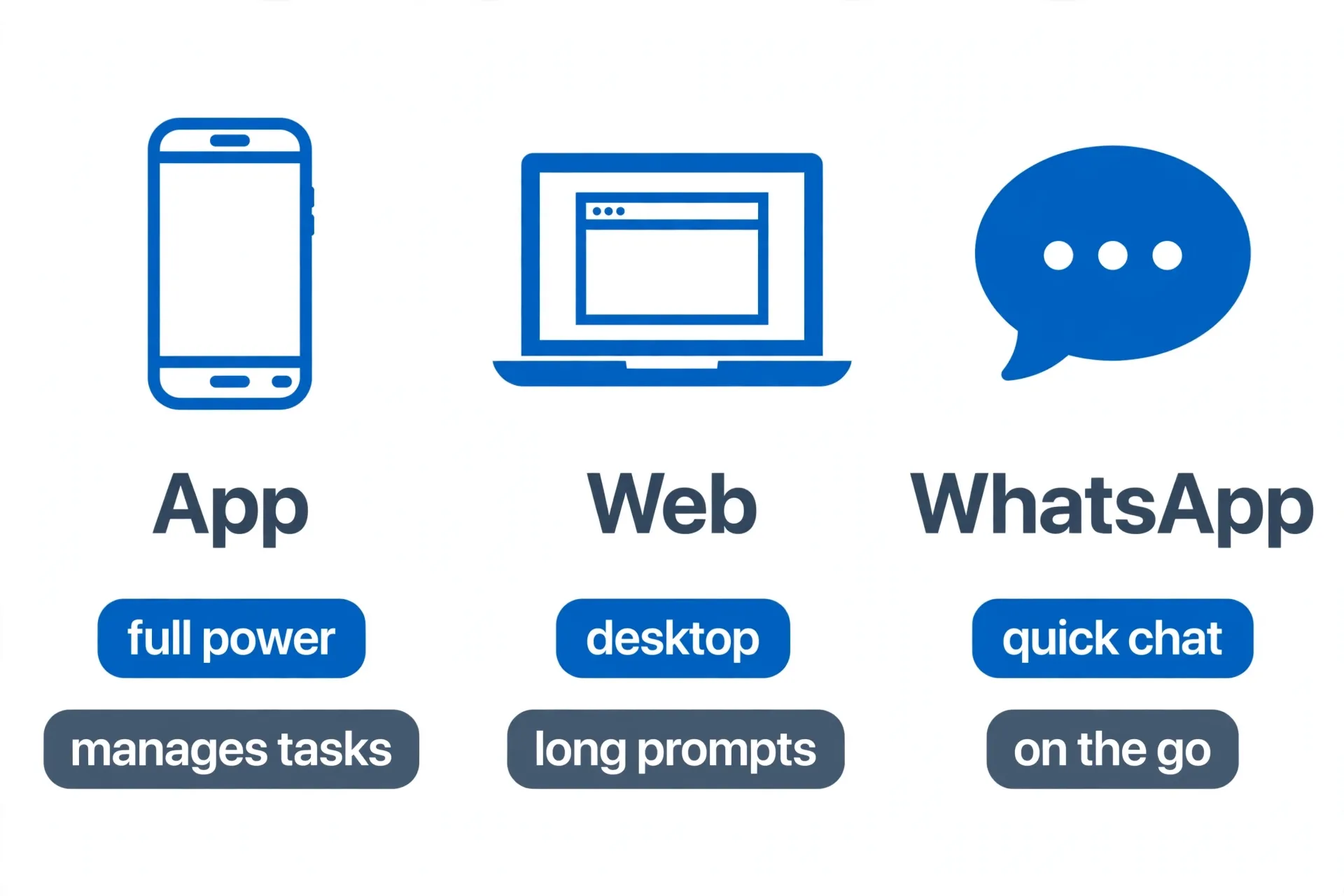
| iOS / Android app | Mac app | muse.ai web | ||
|---|---|---|---|---|
| Where it runs | App Store / Google Play | Native macOS app (launched Sept 17-18, 2026) | Any browser — Windows, Linux, Chromebook, or Mac | Inside your existing WhatsApp chat |
| Setup | Download, sign in | Download from ai.meta.com/muse/download, sign in | Go to muse.ai, sign in, no install | Add the Muse contact, link your account |
| Best for | Heavy daily use, managing long-running tasks on the go | Acting on local files, Mail, Messages, Calendar, Notes | Desktop work on Windows/Linux, refining long prompts | Quick asks on the go, forwarding content |
| Region | US, Android also in Canada | US-first | US-first | US-first |
All five sit on the same account — tasks and memory carry over between them. Start a task on your phone, check on it from the Mac app or your browser, get the result pinged to you on WhatsApp.
The Mac app is a real desktop agent, not just a web wrapper
Since September 17-18, 2026, Muse has shipped a native macOS app (download at ai.meta.com/muse/download) that goes well beyond chat — it can act inside your actual Mac apps: reading and organizing Files, drafting in Mail, checking Messages and Calendar, editing Notes. It isn’t running the model on your laptop, though — Muse executes on its own dedicated computer in the cloud, so the agent’s work stays off your machine even while it’s touching your files. Permissions are opt-in per app, it asks for approval before sensitive actions, and it keeps an audit log of what it did. (TechCrunch, Sept 18 2026.)
Windows still doesn’t have a native app
If you searched “meta muse windows agent installer” expecting a downloadable app, here’s the honest answer: as of the last-verified date above, there’s no native Windows client for the consumer Muse agent. Windows users get the same account and memory through the muse.ai web app in a regular browser — full-featured, no install. If that changes, we’ll update this page (check the “last verified” line at the top). Note this is different from Muse Code, Meta’s separate developer coding-agent product, which does support Windows natively — that’s not the consumer Muse app covered in this guide.
Before you start: region and age
Muse launched September 8, 2026, and as of this writing it is US-only, 18+. There’s no confirmed timeline for international expansion — don’t build a plan, a client pitch, or a business around an assumption that it’s coming to your country on a schedule. If you’re outside the US, the honest move is to wait for an official announcement rather than chase a workaround.
Setting up your account
- Pick your entry point — the App Store or Google Play for daily heavy use on the go, the Mac app if you want Muse acting on local files and native apps, muse.ai in a browser on Windows/Linux, or the WhatsApp contact for quick asks. See our Muse WhatsApp setup walkthrough for that path specifically.
- Sign up and add a payment method. Even the free tier requires a card on file. A one-time Stripe Link virtual card works fine here if you’d rather not hand over a real card number for a $0 tier.
- Claim a referral code within 48 hours if you have one. Have a friend already on Muse send their link, or start from muse.ai/join if you don’t know anyone yet. Entering a code within 48 hours of signup gets both of you 1 billion tokens — miss the window and it’s gone. Full mechanics in our free-tier and referral guide.
- Grant only the connections you actually need. Muse can link to Gmail, Calendar, Spotify, Instagram, Threads, OpenTable and more — connect them as you need them rather than all at once, especially before you’ve read up on how the Secure VM sandbox actually handles your data.
- Run one small task first. Before trusting it with anything that touches money or private data, give it something low-stakes — “summarize my unread emails from today” — so you understand how it behaves before you rely on it.
What you get on the free tier
Roughly 100 million tokens a week, which for most people is effectively unlimited — Meta’s own engineers reportedly burned through only 3% of it in three days of heavy use. Full breakdown of what that covers, the referral bonus, and when Power ($16–20/mo) or Maximum ($80–100/mo) is actually worth it: Muse Free Tier Guide.
Next: what Muse can actually do
Once you’re set up, the natural next question is what to actually do with it. Two places to start:
- 7 real ways to make money with Meta Muse — real cases, from bill negotiation to inbox cleanup.
- Muse Image tutorial — text-to-image, old-photo restoration, room redesign.
References
- Meta Newsroom — “Introducing Muse: The World’s First Personal AI Agent Built for Everyone” (Sept 8, 2026) — launch date, US-only 18+ rollout, WhatsApp availability, iOS/Android launch.
- SiliconANGLE — “Meta debuts its ‘secure by design’ personal AI agent Muse” — Link by Stripe virtual-card checkout.
- ppc.land — “Meta puts an AI agent that buys things inside WhatsApp, US only” — WhatsApp rollout, US-only confirmation.
- TechCrunch — “Meta’s Muse hits Mac, letting the AI take actions on your computer” (Sept 18, 2026) — native Mac app, per-app opt-in permissions, cloud-based execution, launch date.
- Google Play — “Muse from Meta” — confirms official Android availability in the US and Canada.
- AI at Meta — Muse download page — official Mac and mobile download source.
Don't just read it — run the first job this week
Subscribe and get a 7-day validation checklist.
Subscribe free